
ABOUT
THIS
COURSE
Claude might look like a simple chatbot when you first open it. There's a lot more going on once you know where to look.
In this hands-on guided tour, we'll walk you through Claude's main features, explain how they work and show you where they can fit into practical everyday workflows. We'll also cover useful habits for working with Claude so you can get clearer, more reliable results instead of simply typing questions and hoping for the best.
It's designed for beginners, curious AI users and people already experimenting with Claude who want a better understanding of what the platform can actually do.
BOOK NOWWhy do this course?
You've been asking Claude questions and getting decent answers. Meanwhile the useful part is sitting untouched behind settings you've never opened. We'll set it up together, on your real work, and you'll leave with it configured rather than a list of things to try later.
What You'll Learn
- How to set Claude up once so every conversation starts with context instead of a cold introduction
- How to build a Project around work you do over and over
- How to bring your own documents, images and files in and get a finished thing out
- How to steer Claude when the first answer is wrong, instead of starting again
Why Live:
Claude changes every few weeks, so most tutorials online are already out of date. This one isn't, and you can ask about your own work while we're in it.
Subscriptions/tools required:
A Claude account. Free works for most of the session, though free accounts are capped at five Projects, so Pro is worth it if you plan to build more than a couple.
BOOK NOW

Who it's for
Anyone who's been using Claude for a while and suspects they're only scratching the surface. No coding involved. We won't be touching the API or anything a developer would use.
How Drop In & Learn works
Live, online, and taught by a real person. One focused hour, in the time it takes to have lunch or fit in a workout.
Never recorded. That's deliberate. It means one room, real questions about your own work, and material that's current on the day you attend rather than a video filmed six months ago. You'll get a full PDF walkthrough afterwards, so nothing is lost, but the hour itself only happens once.
Can't make it? Let us know at least 24 hours ahead and we'll move your booking to a future session.
See our Terms and Conditions for full details.
Afterwards
A full PDF walkthrough of everything we set up, so you can rebuild or extend it in your own time.
Meet your teacher
Hi, I’m Ross Symons,
co-founder of ZenRobot, AI educator, creative artist and your instructor for this class.
I use AI every day across creative and business workflows. In this one-hour lesson, I'll teach you the basic prompting principles that make working with AI dramatically more useful.
BOOK NOW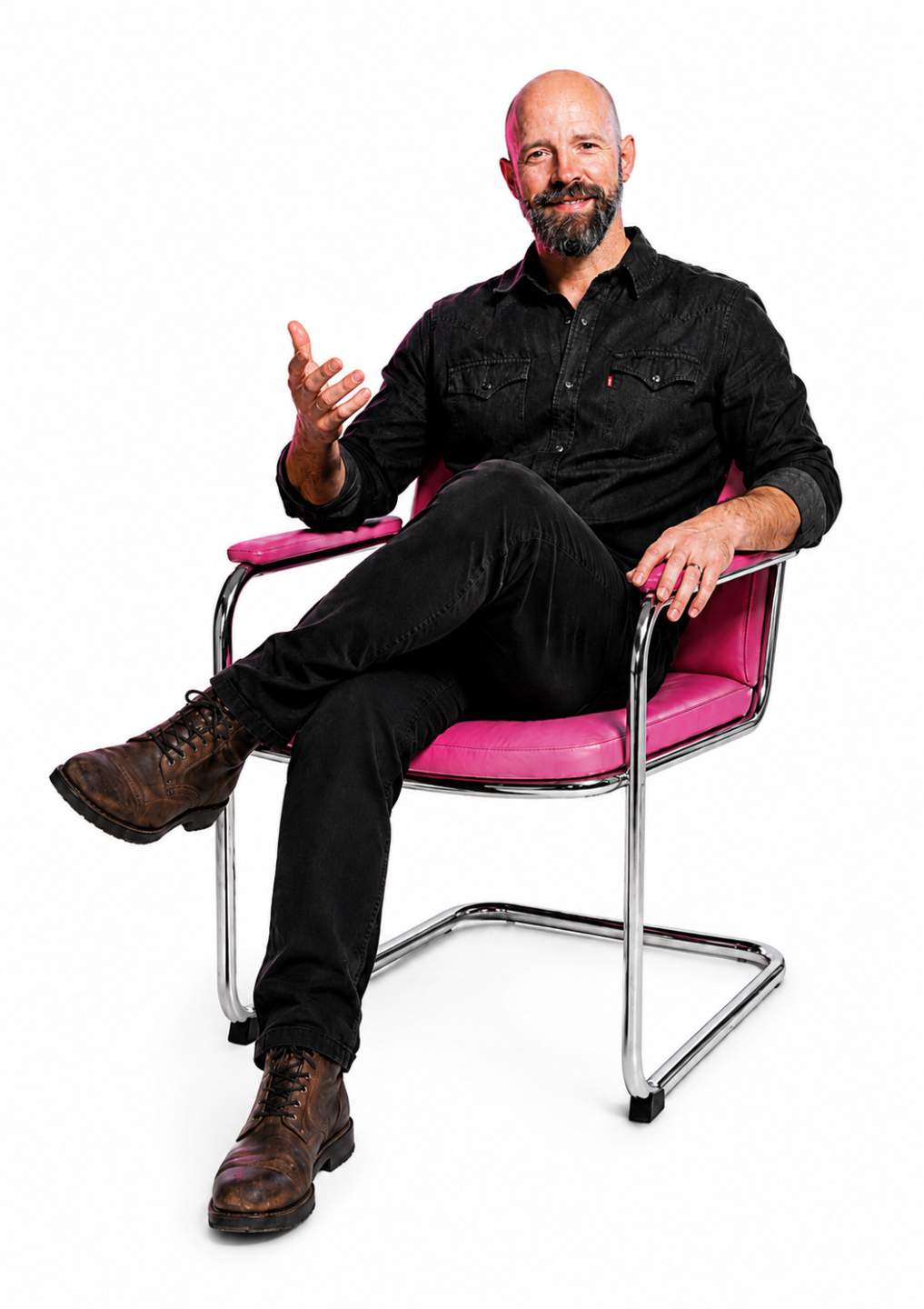
Testimonials

Jon Doe
Lorem ipsum dolor sit amet, metus at rhoncus dapibus, habitasse vitae cubilia odio sed.
Jane Doe
Lorem ipsum dolor sit amet, metus at rhoncus dapibus, habitasse vitae cubilia odio sed.
Jim Doe
Lorem ipsum dolor sit amet, metus at rhoncus dapibus, habitasse vitae cubilia odio sed.
Course Price
Basic
$29
Top features
- Excepteur sint occaecat velit
- Excepteur sint occaecat velit
- Excepteur sint occaecat velit
- Excepteur sint occaecat velit
- Excepteur sint occaecat velit