ABOUT
THIS
COURSE
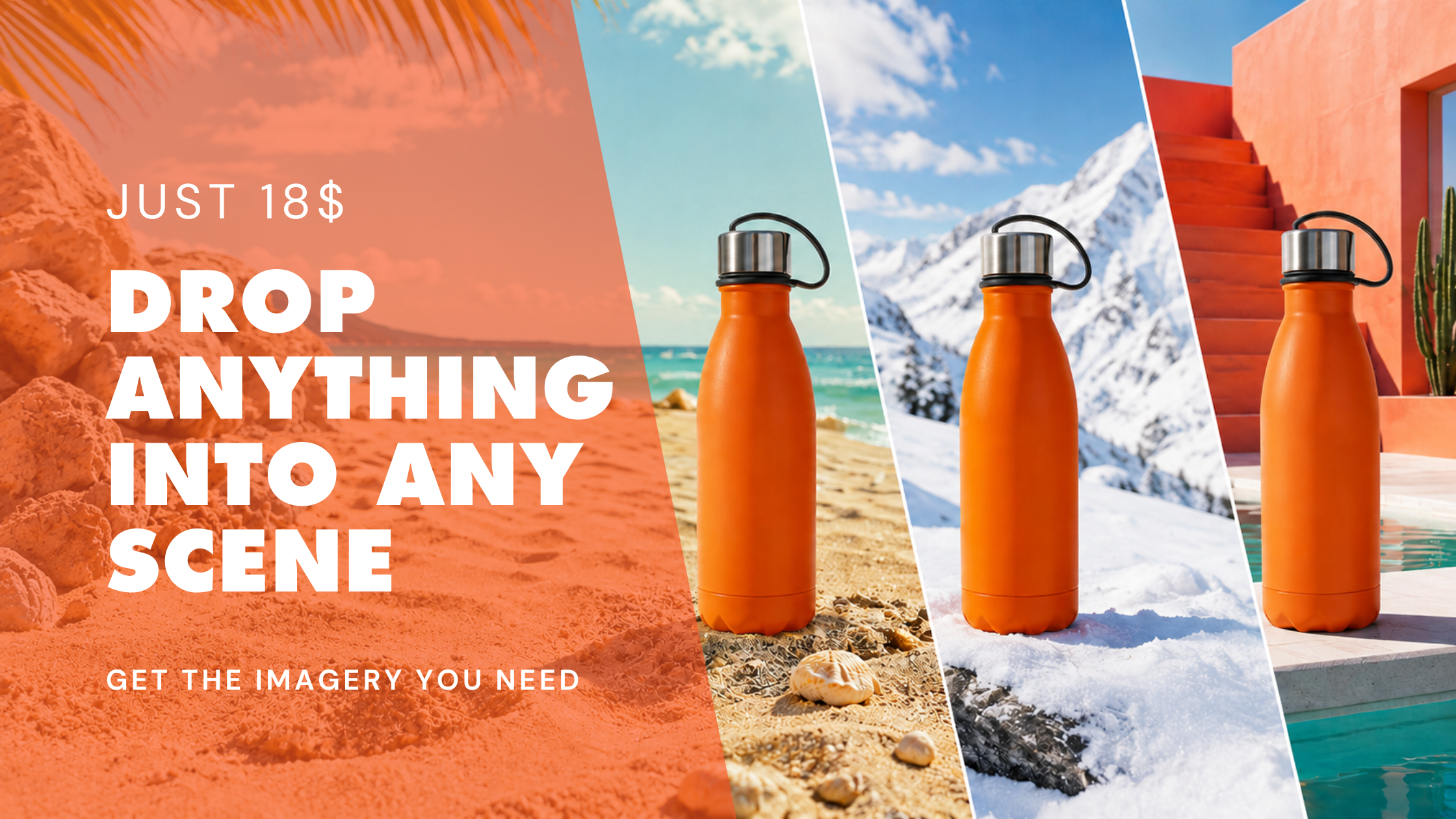
You’ve got the product shot. Now imagine being able to put that same product on a beach, in a luxury kitchen, on a mountaintop or inside an art-directed campaign world without arranging another shoot.
This class shows you how to use AI to take an existing product image and build believable new scenes around it. You’ll learn how to control scale, lighting, shadows and composition so the product feels like it genuinely belongs in its new environment, rather than looking pasted on afterwards.
It's particularly useful for marketers, designers, social teams, e-commerce businesses and creative professionals who need to generate multiple visual directions or campaign variations from a limited set of existing product assets.
BOOK NOWWhy do this course?
You've got the shot. What you don't have is the location, the set, the budget or the second day of shooting. In this hour we'll take one photo and build a set of scenes around it, and spend most of that time on the part that actually matters: making it look like it was really there. You'll leave with the variations and a process you can run again on anything.
What You'll Learn
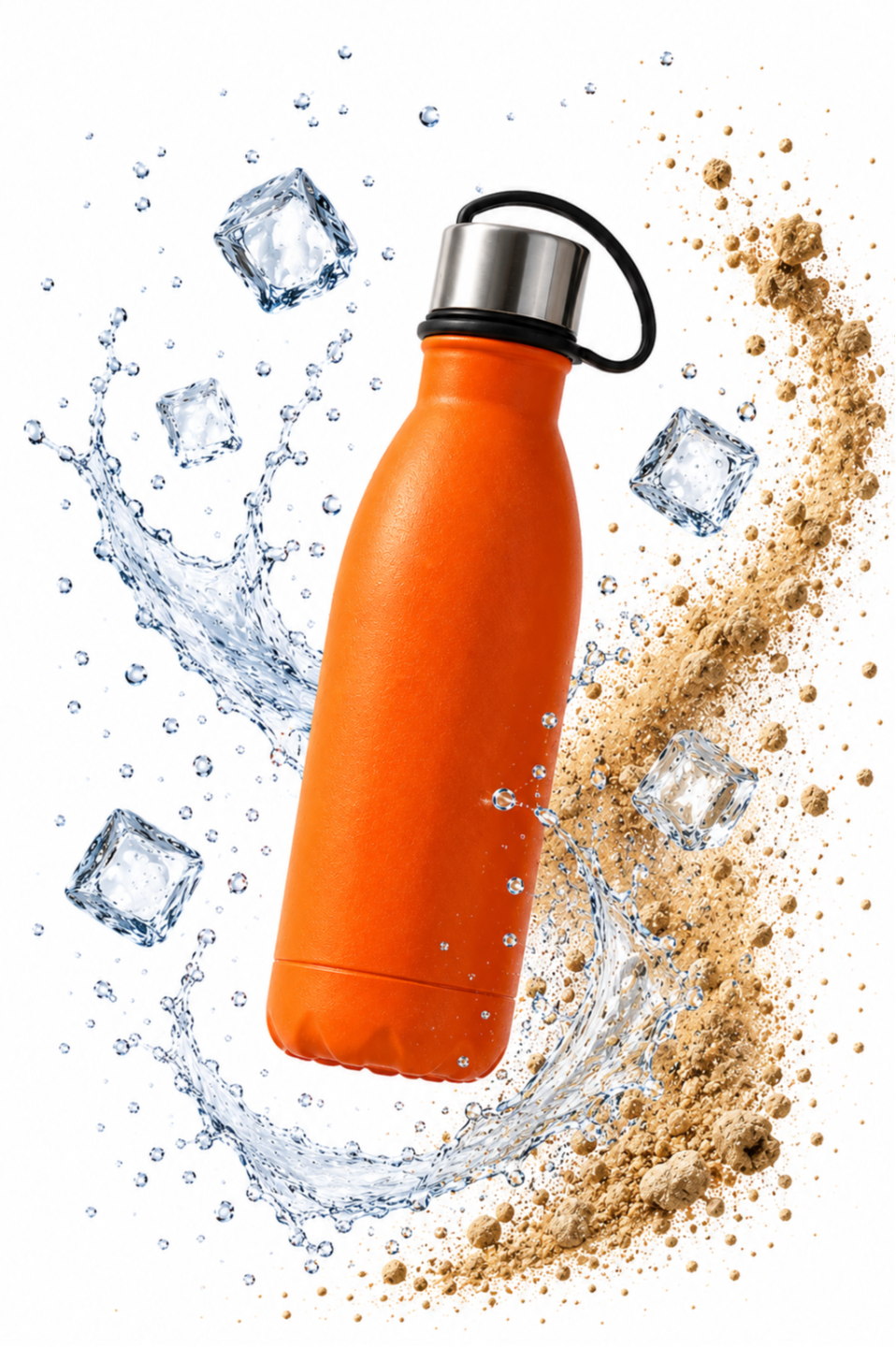
- How to place any subject — a product, a person, an object, a piece of your own work — into a scene you didn't shoot
- Getting lighting, shadows, reflections and scale right, which is the whole difference between convincing and obviously fake
- How to build a set of scene variations from one original photo
- The tells that give a composite away, and how to catch them before anyone else does
- A repeatable process for the next brief, so this isn't a one-off
Bring With You:
One photo of whatever you want to place. A product, yourself, a piece of your work. Clear subject, decent light, phone quality is fine.
Subscriptions/tools required:
A paid AI image tool. We'll be using [tool], and an hour of experimenting costs roughly [amount] in credits.
BOOK NOW
Who it's for
Anyone who has the subject but not the setting. Marketers, small brands, photographers, artists, freelancers working to a client brief. No compositing or retouching experience needed.
How Drop In & Learn works
Live, online, and taught by a real person. One focused hour, in the time it takes to have lunch or fit in a workout.
Never recorded. That's deliberate. It means one room, real questions about your own work, and material that's current on the day you attend rather than a video filmed six months ago. You'll get a full PDF walkthrough afterwards, so nothing is lost, but the hour itself only happens once.
Can't make it? Let us know at least 24 hours ahead and we'll move your booking to a future session.
See our Terms and Conditions for full details.
Afterwards
A full PDF walkthrough of the process, so you can run it on the next brief.
Meet your teacher
Hi, I’m Ross Symons,
co-founder of ZenRobot, AI educator, creative artist and your instructor for this class.
I use AI every day across creative and business workflows. In this one-hour lesson, I'll teach you the basic prompting principles that make working with AI dramatically more useful.
BOOK NOW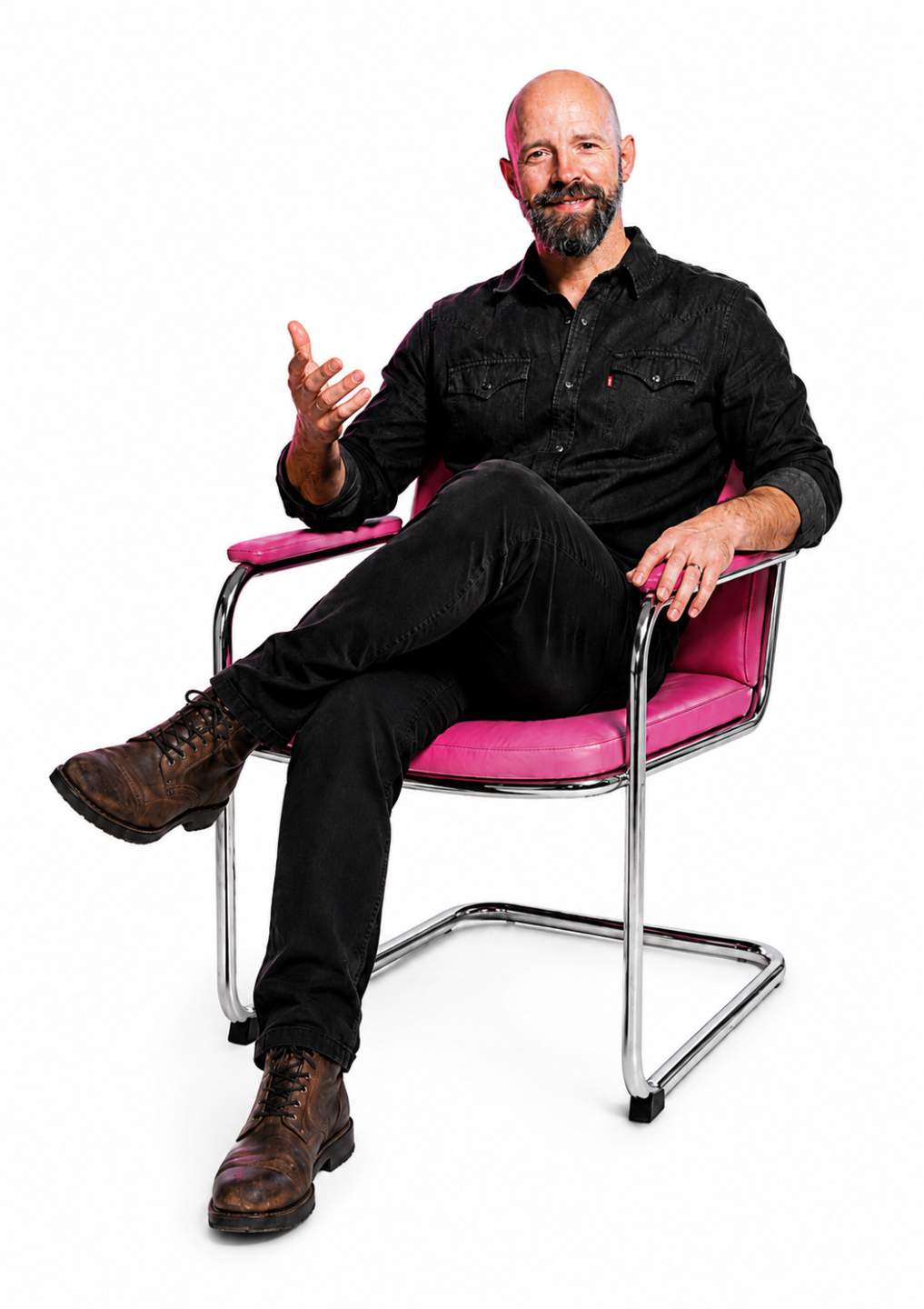
Testimonials
Jonathan Tait
3D Generalist · AI Explorer
One of the most effective and inspiring tutors I've worked with. Ross's FOCUS framework and creative briefs pushed me to think like both a strategist and an artist.
Cathy Lund
Executive Content Director and Head of Copy at Woolworths South Africa
We’re incredibly grateful for the expertise and guidance from Zen Robot and highly recommend their training to any team looking to uplevel their AI capabilities.

Jabagh Alsayegh
Senior Designer Specialist at CPX
Packed with value — clear, practical tools and creative inspiration that pushed my thinking forward. You feel like you're learning from someone who truly does the work.
Course Price
Basic
$18
Top features
- A simple framework for choosing the right AI tool
- Beginner-friendly lessons with plain-English explanations
- Real examples for writing, research, planning, and content creation
- Side-by-side guidance on when to use each type of tool
- A repeatable decision process you can use for future tools
Choose Your Date